 one whereGet the app ↗
one where · guide
How to share places from a trip without sharing every photo
A useful travel recommendation tells a friend where to go and why. It does not need to expose your whole camera roll.
Start with the place
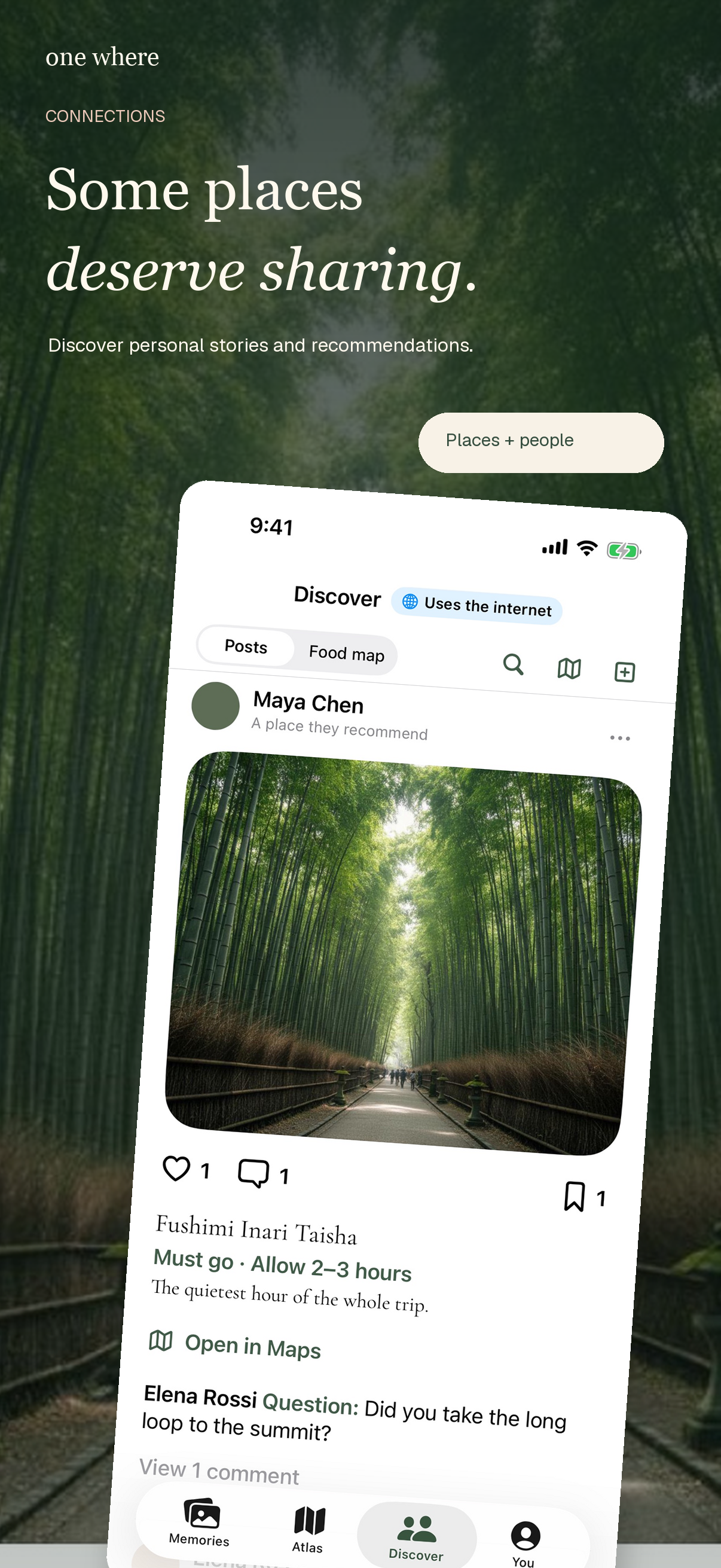
Think about what your friend needs: the restaurant, viewpoint, hotel, or attraction, plus a short reason it mattered. A trip's full chronology is often more information than they asked for.
Review every shared item
In one where, select the places and media you want to publish. Check the place name, map location, notes, and photos in the preview. Remove unrelated stops and anything that could reveal a private address or a companion's information.
If you have no relevant photo
A recommendation can still be valuable as a place and a personal note. Do not substitute an unrelated personal photo merely to fill a card; explain what made the visit worth remembering instead.
Open the link as your friend would
Test the shared page in a browser before sending it. Make sure the location and details are understandable to someone who does not have your photo library or the app.