 one whereGet the app ↗
one where · guide
How to put your iPhone travel photos on a map
A photo map is most useful when it answers where a memory happened, not just when the picture was taken.
Use the map already in Photos
Apple Photos can display photos with location information on a map. This is the quickest option when you simply want to locate a known picture.
Explore a whole trip
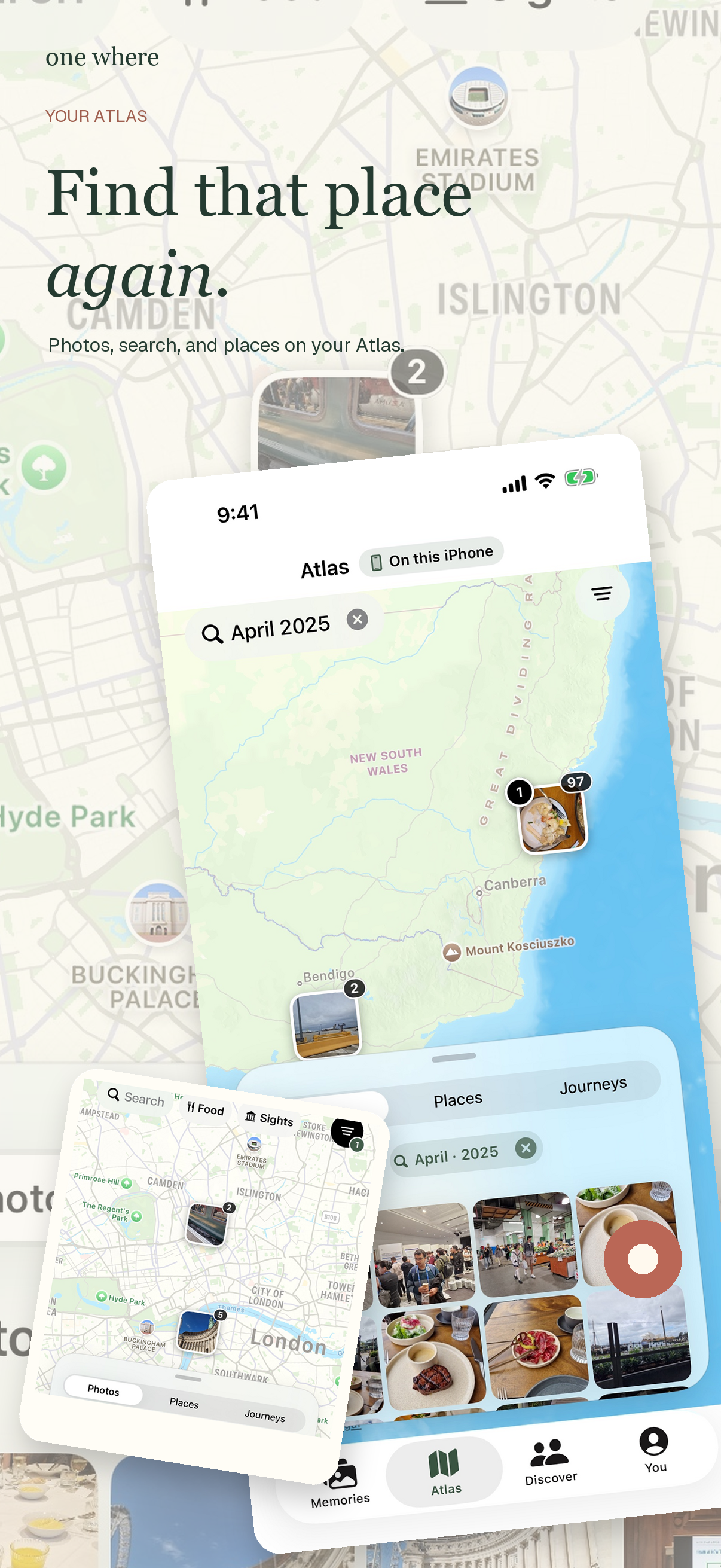
one where groups authorized photos into trips and places so you can move from a map to the moments associated with a stop. Its Atlas view can help you find a place again and search photos from your library. You can revisit a trip as a story with map animation.
Know the limits
A photo without usable location information may not appear in the expected place. Nearby photos and place suggestions can help, but you should review detected stops, especially before sharing them. iCloud-only originals can also take time to load at full quality.
Choose what leaves your phone
Private exploration starts on your device. Publishing a guide or place is a separate choice; review the selected locations, notes, and media before sharing.