 one whereGet the app ↗
one where · guide
Apple Photos Trips vs one where: which should you use?
Apple Photos is the natural first stop for finding and viewing pictures. one where is for returning to the places behind those pictures and choosing what to tell someone about them.
What Apple Photos already does well
Photos can group travel pictures, show location-tagged media on a map, and let you inspect an individual photo's place. If you only need to find or share the original photos, you may not need another app.
Where one where is different
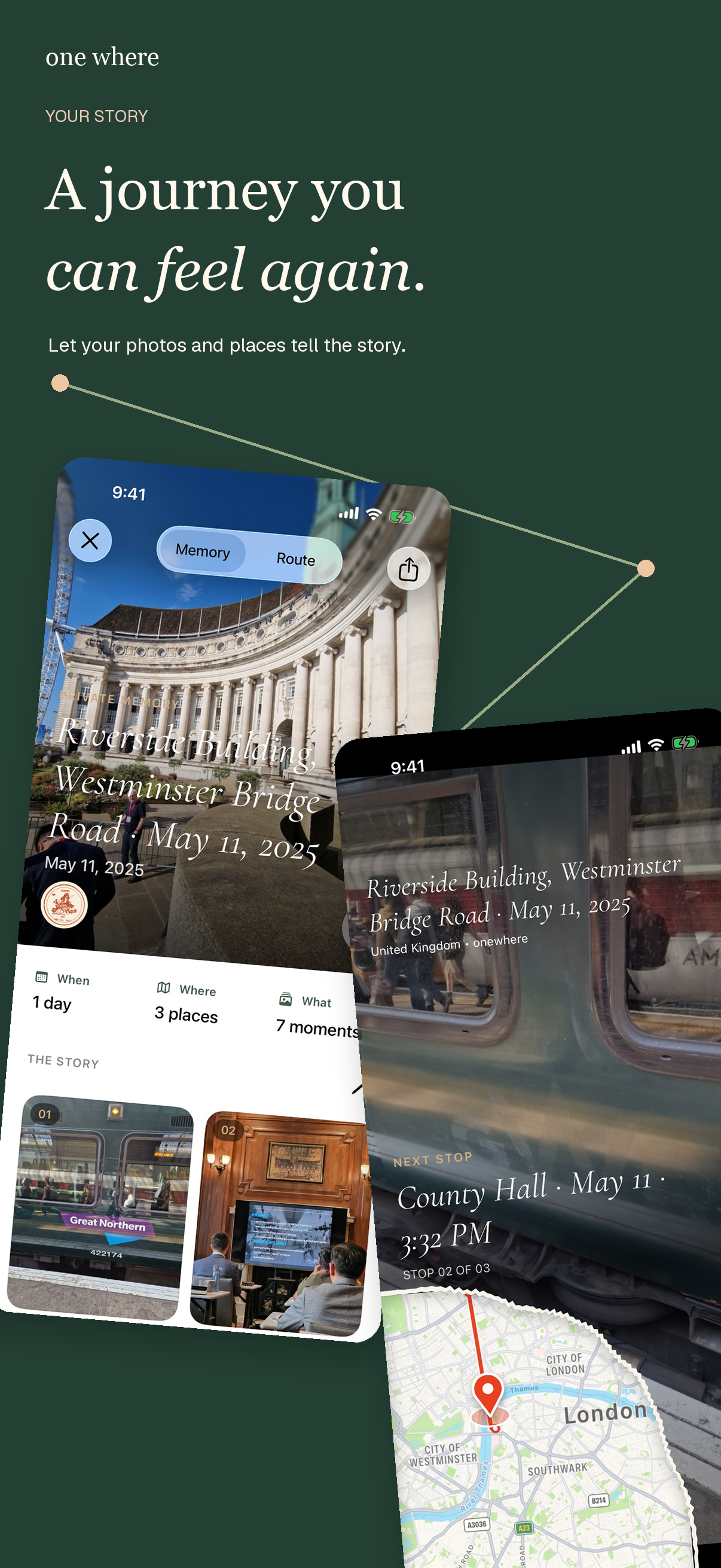
one where organizes authorized photos around trips and places, offers search across your library, and lets you attach your own context to places. You can revisit a memory as a map-based story or share selected recommendations instead of a whole photo collection.
What it does not solve automatically
Neither app can promise an exact place for every photo. Missing GPS, nearby-address matches, iCloud loading, and imperfect recognition all require review. one where is not a replacement for Apple's photo library or its backup.
Which to try first
Use Photos for a picture you already know. Try one where when the question is ‘where was that meal or stop?’ or ‘how can I share the places I recommend without sending the entire trip?’