 one whereGet the app ↗
one where · guide
How to find where an iPhone photo was taken
Start with the photo itself. If it has location information, your iPhone can show it on a map without another app.
Check in Apple Photos
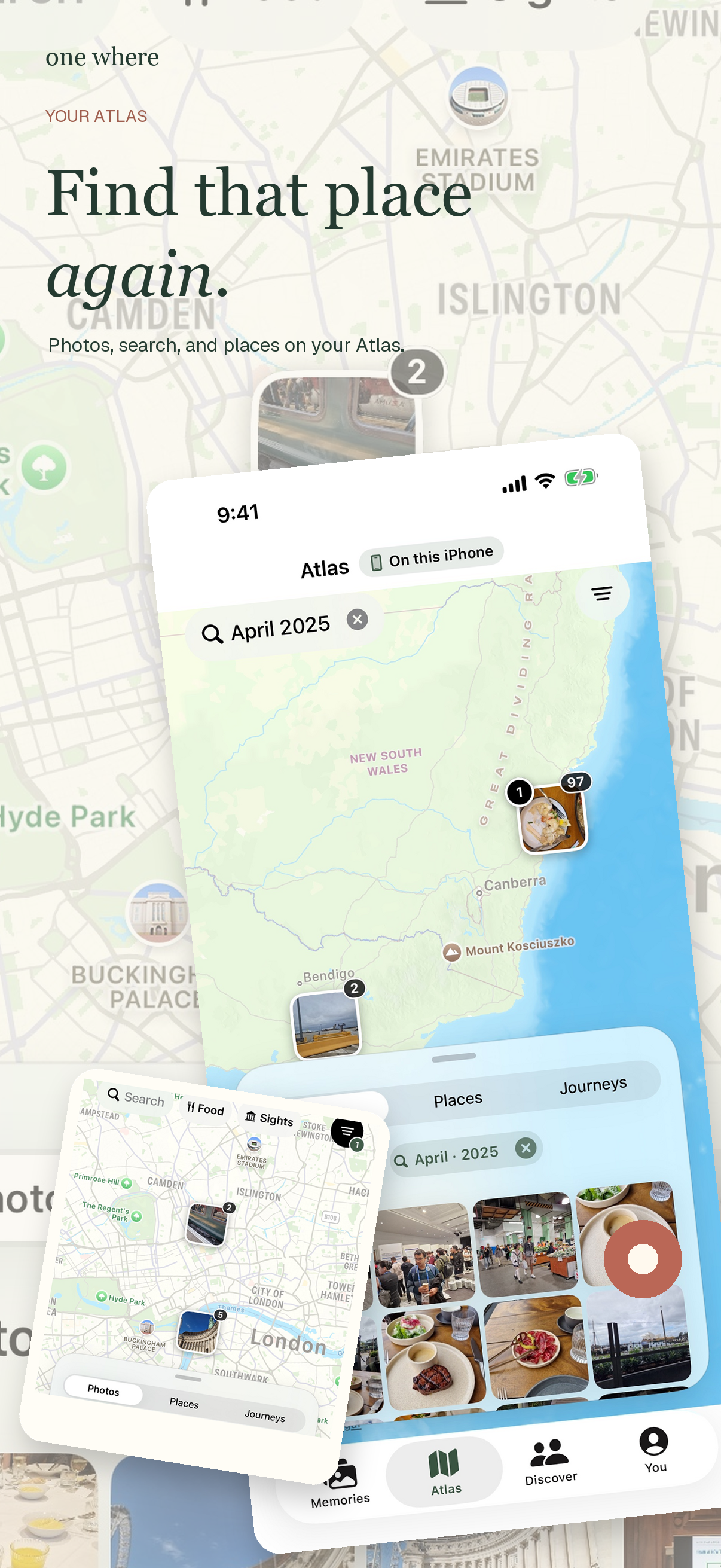
Open the photo and swipe up or tap the information button. If a location was saved, Photos shows a map and place details. You can also browse photos by location in Photos' map view. Apple's controls and labels may vary by iOS version.
If there is no map
The camera may not have had location access, or the image may have been received, exported, or edited without its original location metadata. A photo of a recognizable landmark can still give you a clue, but neither Apple Photos nor one where can reliably reconstruct an exact GPS coordinate from every image.
Find the place among years of photos
When you remember the trip or what was in the picture rather than its date, one where can organize authorized photos around trips and places and let you search your own library. Check the suggested place before sharing: a nearby address is not always the restaurant, hotel, or attraction you meant.
Keep the answer private
Looking at your library in one where does not publish it. You choose the particular places and media to share. A shared link is different from making your entire library public.