
What travelers say
Hello.Great app .I recomend it to everyone who wants to make slides photos etc.Developer is great person.
- Great out of the box features that tell the journey around your pictures
Able to take the various metadata around the pictures on your phone to create slideshows, memories and journey flows beyond what the standard Apple photo app does.
- Yay!!
Finally a travel photo based app where I can add my own stamps based on where I know I have been. I have been traveled for a looong time- many decades, and long before phones tracked your every move by location. Long before phones were used as cameras, in fact. I am VERY happy…
Finally a travel photo based app where I can add my own stamps based on where I know I have been. I have been traveled for a looong time- many decades, and long before phones tracked your every move by location. Long before phones were used as cameras, in fact. I am VERY happy that I can manually add where I have been, pick a date AND even write a note detailing what I did when I was there, and who I was with…and since we are talking about decades of memories, I can note in the private note section whether the date I was there is just a guesstimate, or a fact. This is exactly what I have been looking for, for a long time, and all other apps have fallen short. YAY for discovering this gem!
Read more of specialappssk's review → - Great experience
Really cool app! Love being able to see my travel memories on a map. Easy to use and looks great!
- Surprisingly entertaining
I love the quiz in app, it’s confusing at first but it’s surprisingly entertaining. It some times ask if I went to beach more or hikes more during the year, some times asks whether anything in common across trips. I kept swipe up and a lot of memories being vivid 🤣🤣
- Great all-in-one app for life memories
This app combines location tracking, food notes and daily sharing. Similar to Google Maps but much more convenient. I can log places I’ve visited, meals I enjoyed, share moments and interact with friends all in one place. Perfect for keeping my travel & daily memories.
- Love It
Wish it has feature like a US map and u can highlight that state for every memory u upload and got to share snapshot to friends.
Less searching.
More “remember this?”
No check-ins and no setup. One Where reads the dates and places in your photo library and builds your journeys.
See your photos on a map →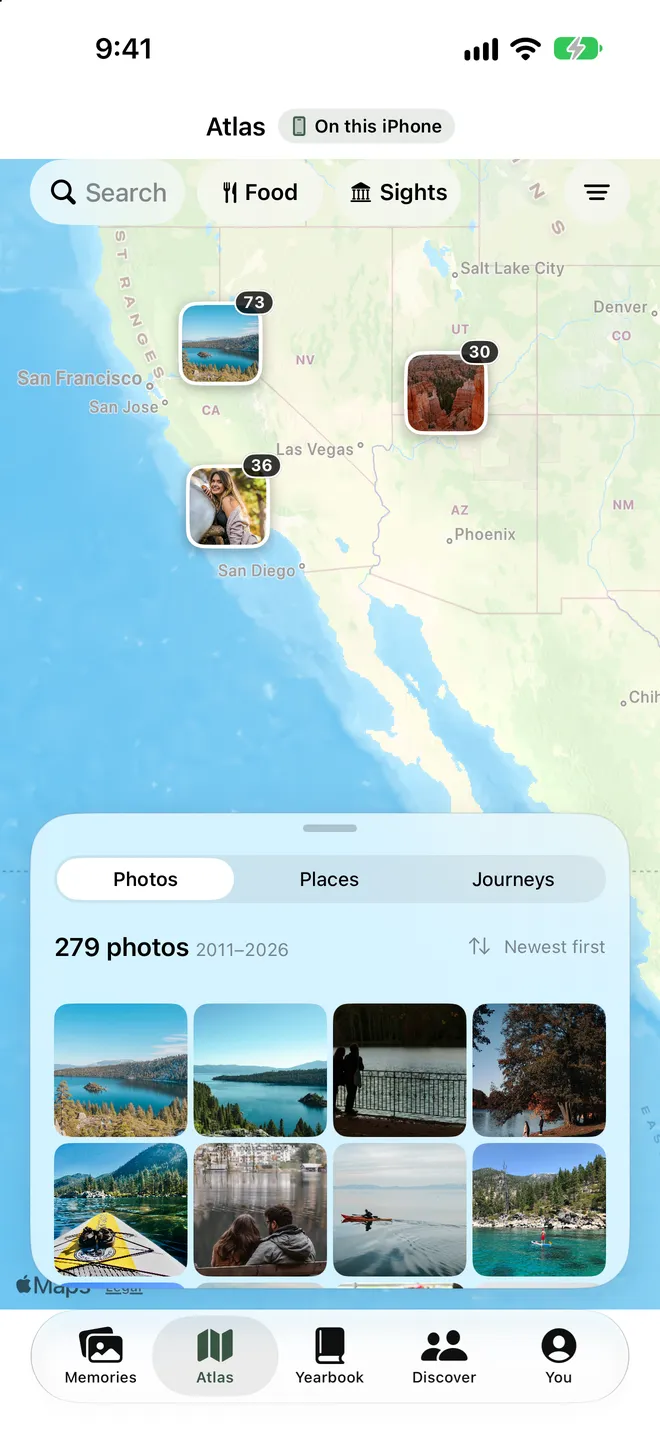
You’ve done more
than you remember.
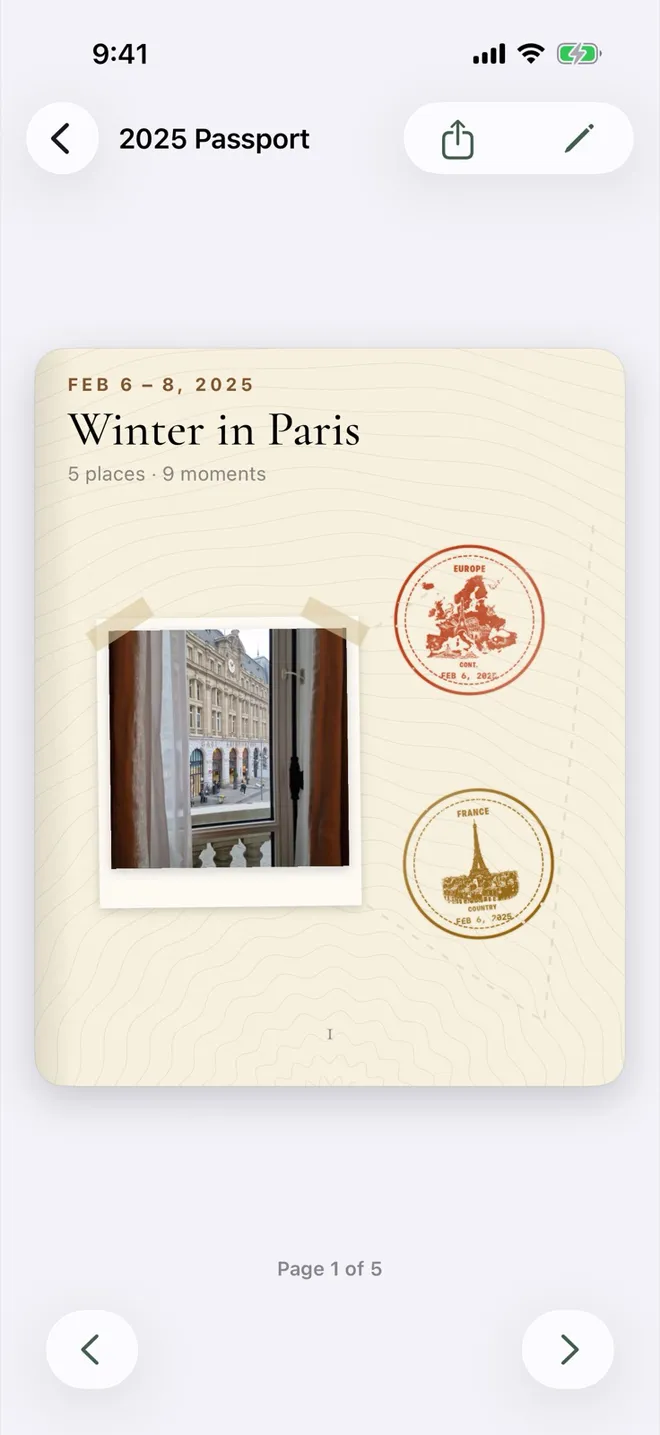
Your trips earn travel stamps, and each year becomes a passport with pages made from your own photos.