
Your travel photos, on a map
One Where is a free iPhone app that puts your travel photos on a personal map. It scans the photo library already on your phone — on-device, nothing uploaded — finds the places in your photos, and rebuilds your past journeys so you can explore them on a map, replay them as stories, and search them by place and content.
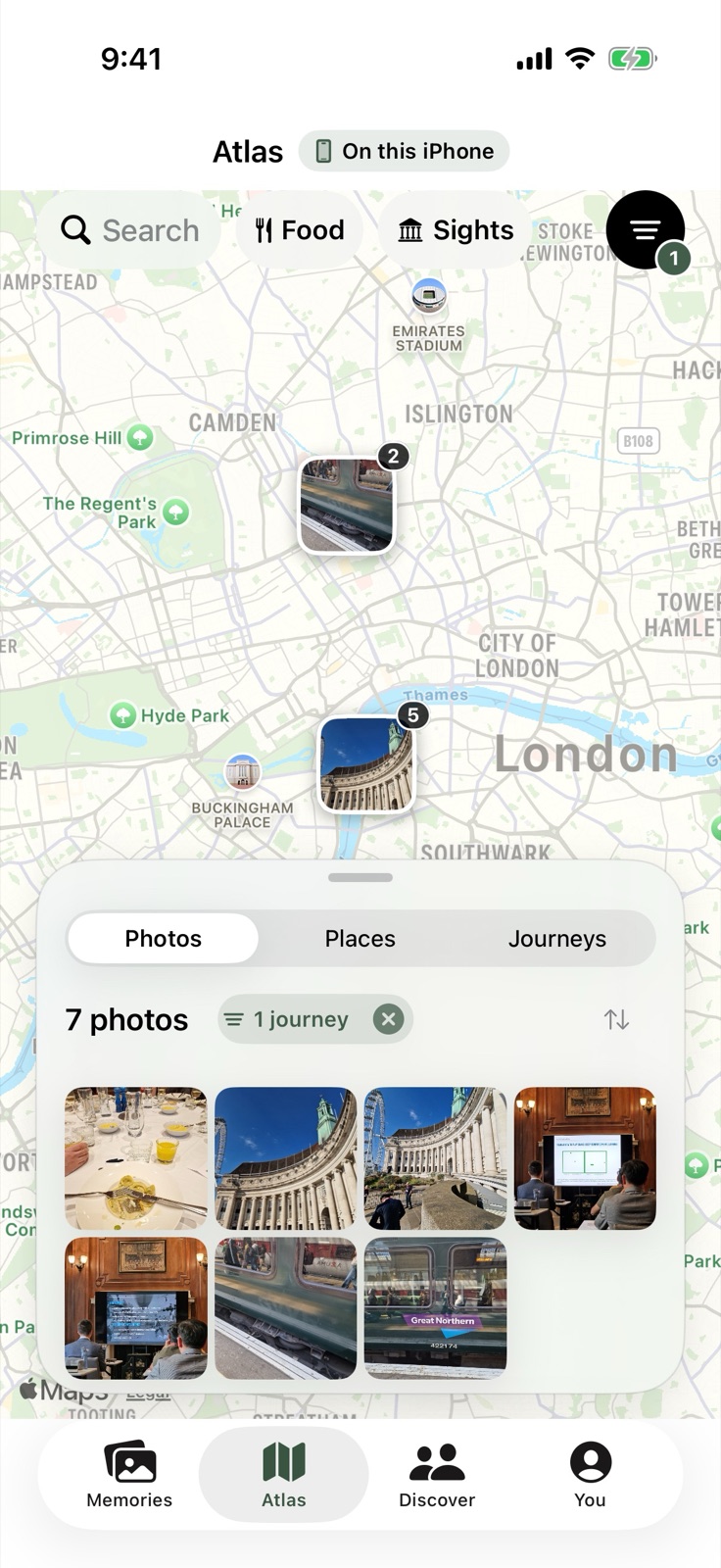
The Atlas — your personal map
Photos with location data are placed on a personal map (the Atlas). One Where works retroactively on photos you already have. No live GPS tracking, check-ins, or manual trip logging is required.
Search that finds the photo you meant
Search your library by place and content. Think of a place plus a thing, such as a city and a food. Results depend on the photos and location data in your own library.
Memories — replay trips as stories
One Where generates replayable Memories stories from trips. Revisit past journeys from the photos already on your iPhone.
Food map — restaurants from your food photos
Build a personal food map of restaurants from your food photos. It stays private unless you choose to share places and photos with followers.
Passport — collect your experiences
The Passport collects stamps across four collections: US national parks, US states, continents, and cuisines.
Privacy — personal features need no account
Photo analysis runs locally on the iPhone. The photo library is not uploaded. Only places/photos a user explicitly chooses to share are uploaded, for sharing features. Personal features work without an account; Sign in with Apple is used only for social/sharing features.
FAQ
Do I need to have tracked my trips?
No. One Where works retroactively on photos you already have. There is nothing to set up before a trip.
Are my photos uploaded?
No. Analysis runs on your iPhone and your library stays on your device. Only places and photos you explicitly choose to share are uploaded.
How much does it cost?
One Where is free on the App Store, with no in-app purchases.
What if my photos don't have location data?
Photos without location can't be placed on the map. Most iPhone photos taken with location services on for the Camera app do include it.
Which photos appear on the map?
Any photo in your library that contains location data.